01 / Get ready
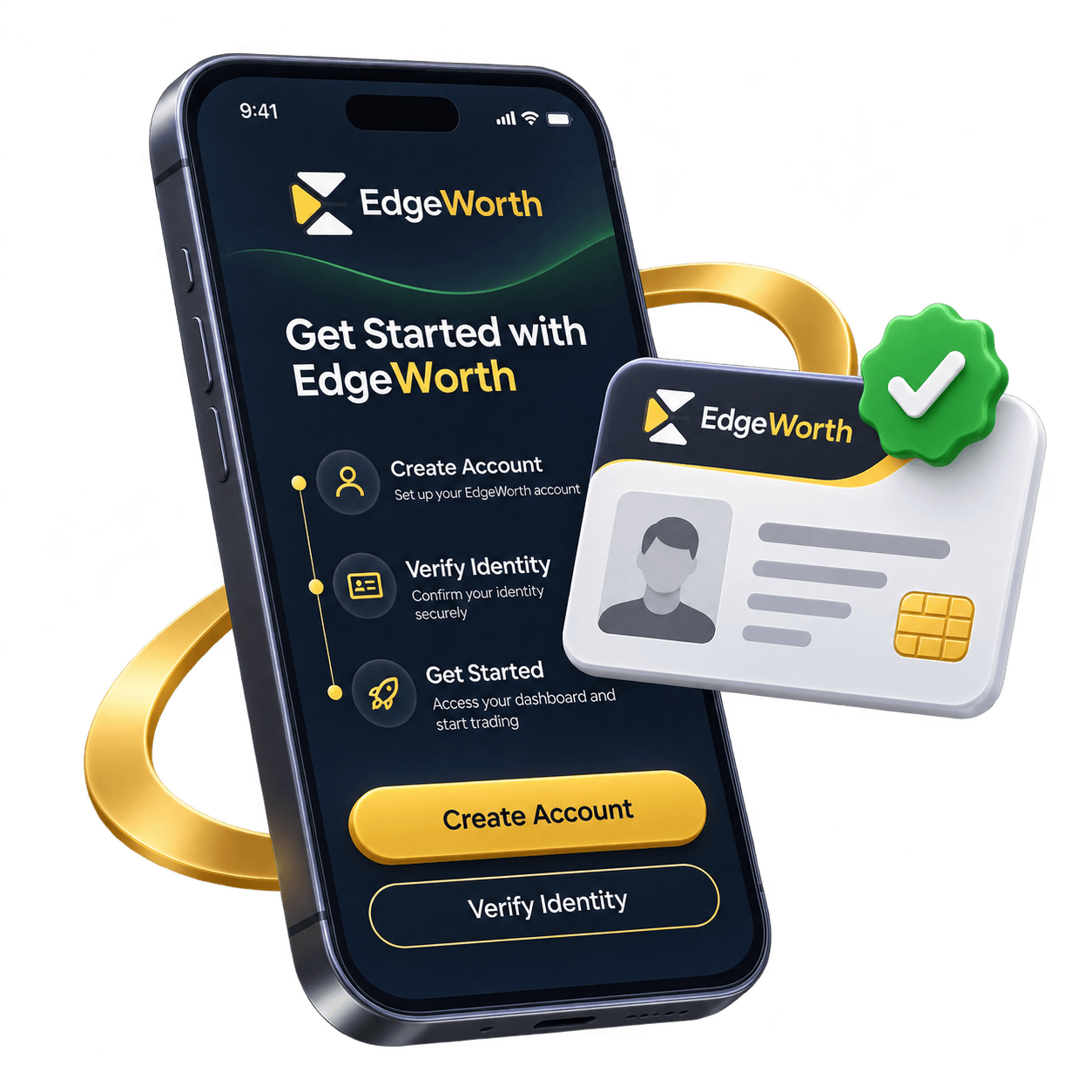
Start with your account.
Create your profile and complete identity verification before you allocate.
- Set up your details
- Complete verification
- Review the platform

Choose a strategy. Set your limits. Follow your capital.
Create your profile and complete identity verification before you allocate.
Review funding options and decide how much you want to allocate. Start with a clear view of your exposure.

Look at a trader's approach, drawdown and Edge Score together. A strong return is only part of the picture.
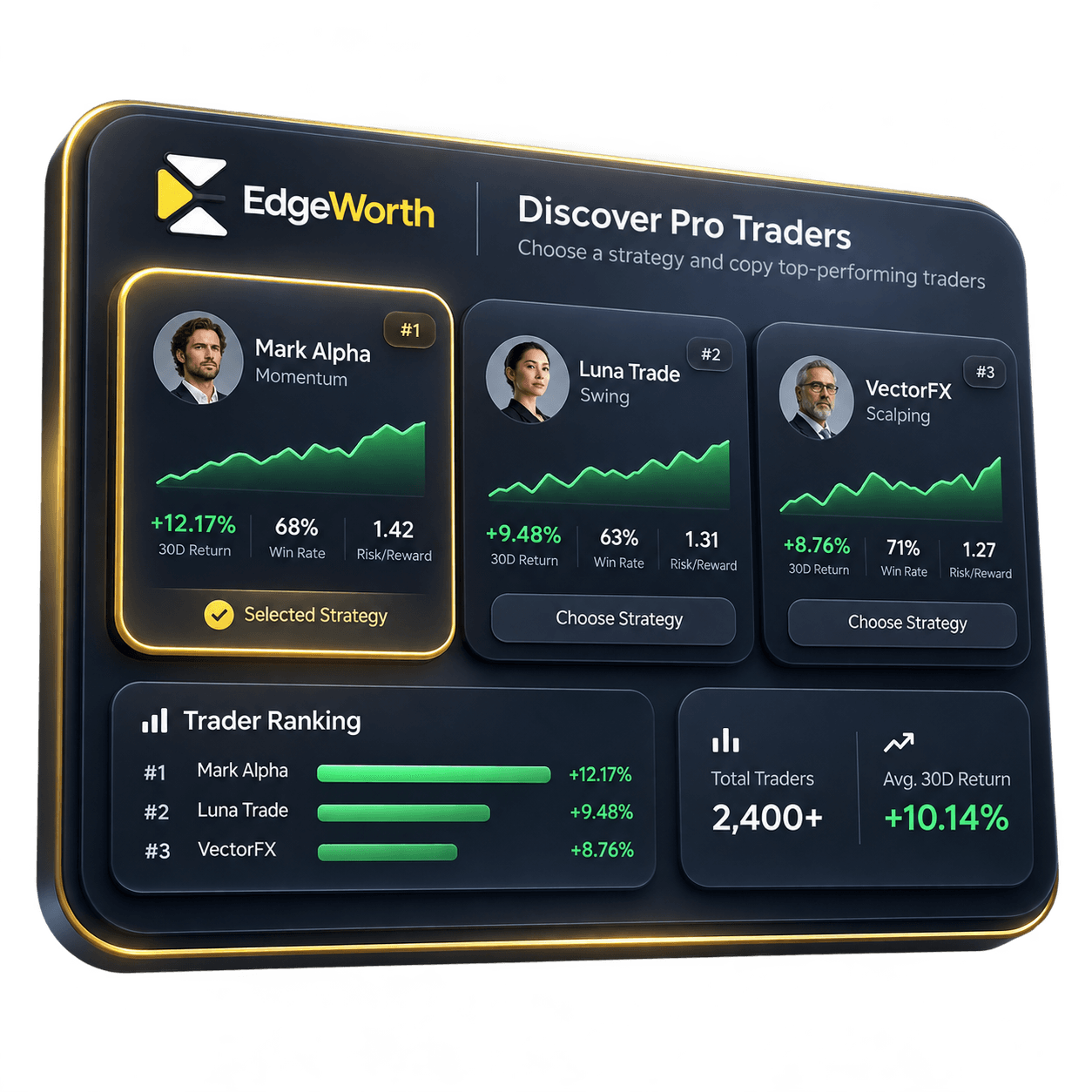
EdgeSync mirrors activity while EdgeGuard checks your rules. Follow the results and review your allocations.
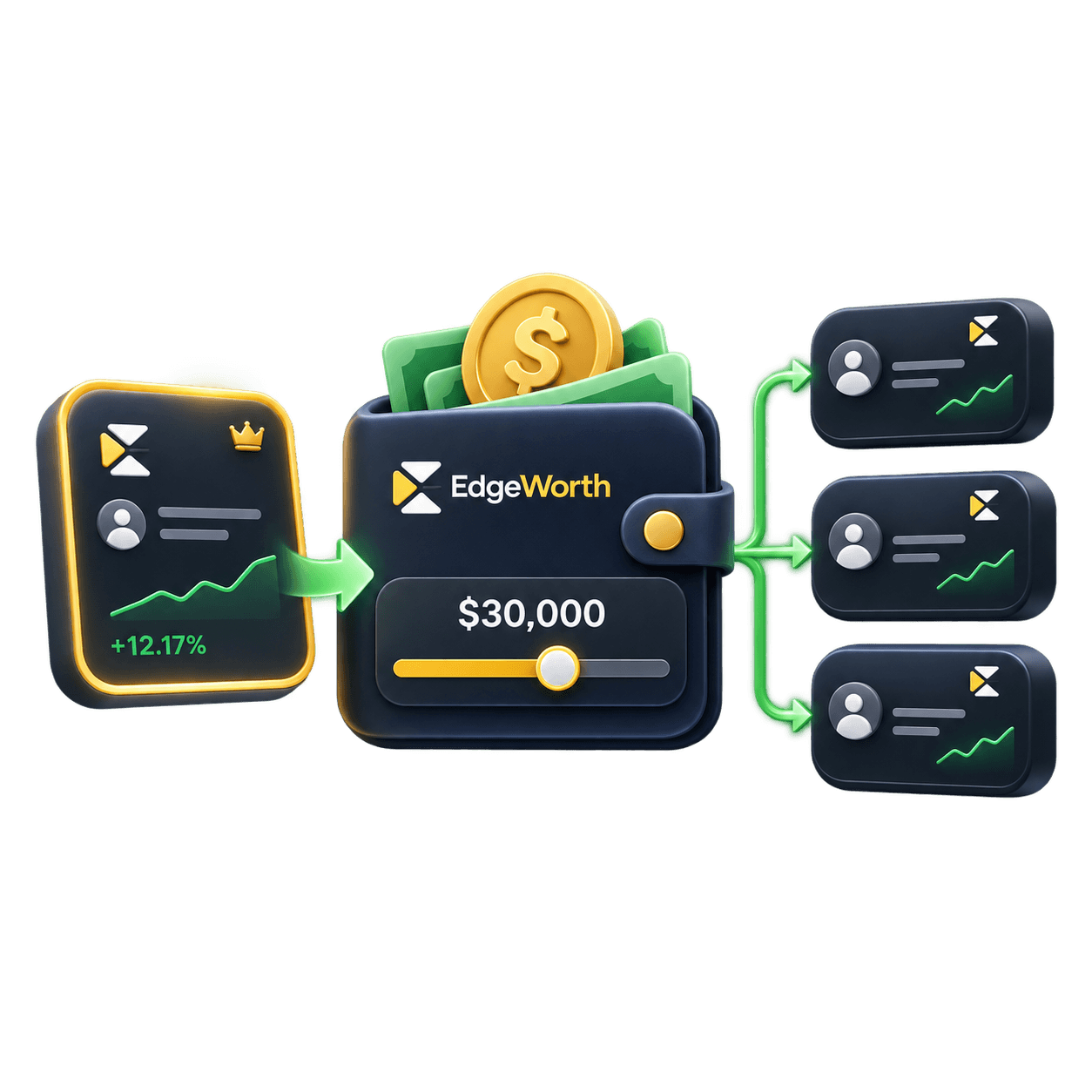
Product illustrations show the planned experience.
Try an example trade within the position limit, then see what happens when it exceeds the cap.
Trading involves risk. Automated controls cannot prevent every loss.
This example trade passes the size check.
Illustrative checks. Risk controls cannot eliminate trading losses.
FAQ
Answers about the platform, risk and getting started.
Get launch updates and early access to Edgeworth.